
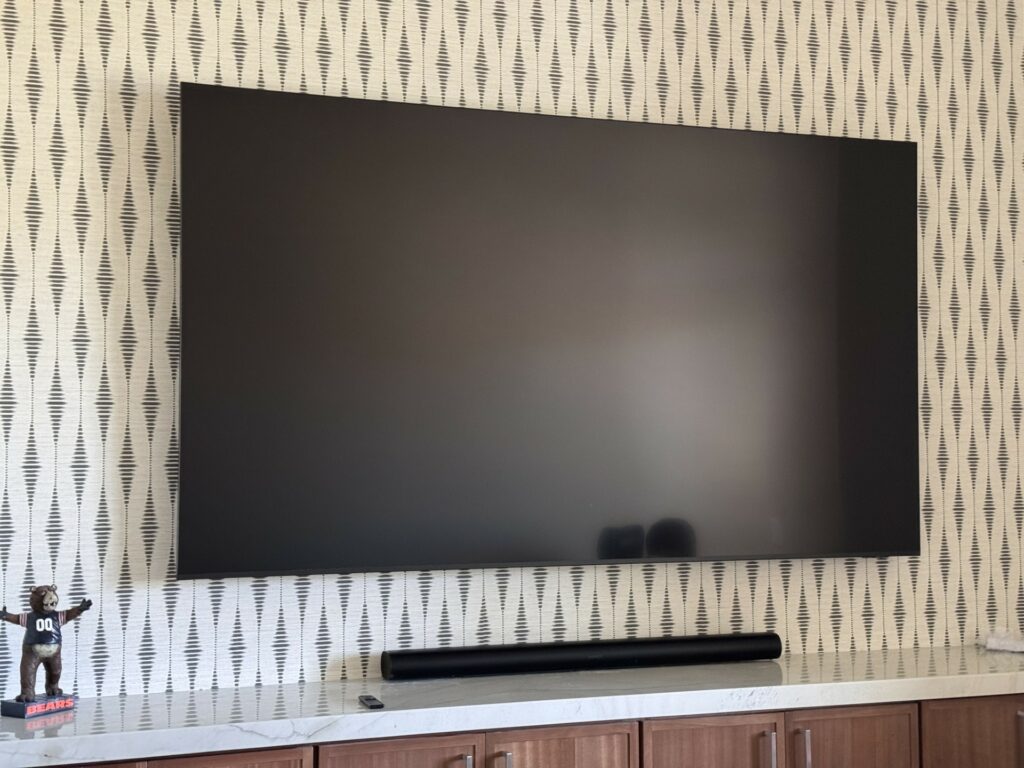
A home theater comes together when the conversation moves beyond equipment. A great display and capable speakers cannot make up for a plan that ignores seating, light, sound, and the way your household will actually use the space.
At Stabley Home Entertainment Specialists, we have been designing and installing home theaters for homeowners in Mesa, Gilbert, Chandler, Scottsdale, and across the Valley since 1994. Start with this question: “What kind of room do I want to walk into on movie night?” It guides the screen, seating, sound, lighting, and control decisions that follow.
Plan The Seats, Screen, And Light Together
A dedicated rectangular room gives you more freedom than an open family room, but either can work. Ceiling height, window placement, door locations, and where people can sit all affect the final design. Rooms with windows often require automated shades and dedicated lighting scenes. A large open room may need a different speaker plan than a sealed media room.
Many home theaters are added to a room that already has a purpose. That does not rule it out. It simply means the plan needs to account for daylight, pass-through traffic, and finishes before equipment is selected. Hard surfaces such as glass, tile, and bare drywall can make dialogue harder to hear, so discuss rugs, curtains, upholstered seating, or acoustic treatments while the room is still being planned.
Dedicated Theater Or Multipurpose Media Room?
A dedicated theater gives you more control over light, sound, seating, and screen placement. A media room has to live comfortably with the rest of the house, which can make a bright TV, discreet architectural speakers, and motorized shades the smarter fit. Neither choice wins by default. Choose based on whether the room is built around critical movie viewing or everyday use.
Choose The Screen Around Seating Distance And Light
A screen should feel immersive without asking people to keep moving their heads to follow the action. Viewing distance, display resolution, and content type matter far more than a universal screen size. This is why a tape measure is more useful than a guess at the beginning of the project.
A projector and screen can create the cinematic scale people want in a dedicated darkened room. It also asks more of the room: light control, thoughtful projector placement, and a screen wall that stays clear. In a bright Arizona media room, automated shades are often part of the answer. An ambient-light-rejecting screen may also help preserve contrast by directing more of the projector’s light toward the seating area instead of letting room light wash out the image. A mounted television is often the better fit for a multipurpose room with daytime viewing. Our Television vs. Projector Guide walks through this decision in detail.
Useful Home Theater Planning Numbers
These figures are starting points for planning, not a substitute for measuring the room and testing the final setup.
Dolby’s setup guide lists a 75-inch screen at about 112.5 inches (2.9 m) and an 85-inch screen at about 127.5 inches (3.2 m).
Dolby’s Atmos placement guidance uses roughly 22° to 30° from center for left and right front speakers.
The same guidance places surround speakers at roughly 110° to 120° from the main seat.
For main speakers, aim near seated ear level. Dolby places that at about 3.9 feet from the floor.
Use Dolby’s home theater setup guide for its viewing-distance examples, and Dolby’s Atmos installation guide for layout diagrams. These references are useful when comparing options; the room still determines what will work well.
Plan The Soundstage Before The Drywall Closes
Home theater sound is not about filling the room with as many speakers as possible. It is about placing the right speakers where they can create a believable front stage, clear dialogue, and surround effects that move naturally around the seating area.
For a small room, a well-designed soundbar and subwoofer may be the sensible answer. For a dedicated theater, a surround system with speakers in front of, beside, behind, and sometimes above the seating can create a much fuller experience. Dolby Atmos layouts use a three-part label: the first number is ear-level speakers, the second is the low-frequency-effects channel, and the third is height speakers. A 5.1.2 or 7.1.4 system isn’t just a shopping list. It’s a spatial layout that must harmonize with your room, screen wall, and seating. The room decides what is useful. Speaker count comes after that. See Dolby’s speaker-layout guide for the terminology.
Speaker wire, power, network access, and conduit are easier to plan before walls are finished. A wiring map should account for the display, every speaker location, projector location if applicable, control hardware, and where equipment will live. If your design involves a remote equipment rack or video distribution, Cat6A cabling and accessible conduit will future-proof your signal paths. If your project is part of a remodel or a new build, bring in the theater design conversation early. It protects your options later and avoids visible wires or expensive rework. Plan the equipment location early too, especially for a closed cabinet, closet, or garage in an Arizona home.
Build Lighting Into The Experience
Lighting has two jobs in a theater: help people move safely and stay out of the picture. Step lights, low-level aisle lighting, sconces, and cove lighting can all be useful when they are placed and dimmed with the screen in mind. With a projection system, light near the screen wall is especially disruptive. With a TV, soft bias lighting behind the display can be more helpful than lighting in front of it.
A single “Movie” button can lower the shades, dim the lights, turn on the display, and set the right source. It keeps a capable system from becoming a stack of remotes. See how home automation can simplify the control side of your theater.
Design For What You Watch Most
Movie-first theaters, sports rooms, and gaming spaces have different priorities. A movie-focused setup may favor a projection screen, darker finishes, and audio that makes quiet dialogue easy to hear. A sports room may need brighter daytime performance and sight lines from more seats. Gaming may call for low-latency connections, accessible inputs, and a display that handles fast movement well.
Do not plan the room around a feature your household will rarely use. Tell your installer what your household reaches for on a normal Friday night. That answer shapes the display, seating, sources, controls, and budget far better than a generic wish list.
What Drives Your Home Theater Budget?
Every theater we design is different, so there is no honest one-size-fits-all price. What we can tell you is where the money goes, so you can decide what matters most before the design meeting.
- The room itself. Acoustic treatments, wall and ceiling work, dedicated electrical circuits, and cooling for equipment add cost, but they often do more for the experience than a bigger screen.
- Structural wiring and prewire. Running speaker wire, network cabling, and conduit is far less expensive while walls are open during a build or remodel than after they are finished.
- Display and screen. A large mounted TV, a projector with a dedicated screen, and an ambient-light-rejecting screen each sit at very different price points.
- Speakers and surround layout. A soundbar and subwoofer, a 5.1 system, and a 7.1.4 Dolby Atmos layout with in-ceiling speakers scale up in both equipment and installation.
- Seating. Dedicated theater recliners and risers are a separate line item from simply arranging the sofa you already own.
- Lighting, shades, and control. Dimmable scenes, motorized shades, and one-touch control add convenience and polish, along with programming time.
Equipment tier matters too. We install trusted brands such as Sony and Samsung displays, Klipsch and Sonance speakers, Denon, Marantz, and Yamaha receivers, Sonos audio, and Lutron lighting and shade control, and we match each choice to the room rather than to the most expensive option. For more detail, read our guide to home theater budget planning.
What To Bring To A Home Theater Design Conversation
A custom theater should not be a collection of isolated products. It should be a room where the screen, sound, seating, lighting, and control all support the same experience. Stabley designs systems around the home and the people using it, from dedicated theaters to flexible media rooms in Mesa, Gilbert, Chandler, Scottsdale, and across the Valley.
Before Your Home Theater Design Meeting, Measure These Details
A few quick measurements make your first conversation with our team faster and more productive:
- Room width, length, ceiling height, and door swings
- Where windows and existing light fixtures sit
- The wall that can realistically hold a television or projection screen
- How many seats you want on an ordinary weeknight, not only for a Super Bowl party
- Whether the room also has to work for gaming, sports, or casual TV
Contact Stabley Home Entertainment Specialists to talk through your room, your priorities, and the best next step for your home theater project.
Custom Home Theater FAQs
Should I Choose A TV Or A Projector For My Home Theater?
A projector can be an excellent fit for a dedicated, light-controlled theater where a large image is the goal. A TV is often more practical for a multipurpose room, especially when you watch during the day. Seating distance, windows, wall layout, and how the room is used all affect the right answer.
How Many Speakers Do I Need For A Home Theater?
The useful number depends on the room and seating layout. A compact space may sound better with a well-matched soundbar and subwoofer than with too many poorly placed speakers. A dedicated theater may benefit from a surround layout with speakers around and above the seats. Start with the room plan, then build the system around it.
When Should Home Theater Wiring Be Planned?
Plan speaker wire, power, network connections, and conduit before drywall is installed whenever possible. It gives you cleaner results and keeps future upgrades easier. If the walls are already finished, there are still good options, but early planning creates more flexibility for equipment locations and speaker placement.
Can I Control My Home Theater With One Remote Or App?
Yes. A properly designed control system can bring your display, audio, sources, lighting, shades, and thermostat into one easy interface. The important part is programming the system around your habits, so starting a movie or switching to a game does not require working through several remotes or apps.
What Homeowners Say About Working With Stabley
Stabley Home Entertainment Specialists is a family-owned Mesa AV company serving Phoenix Metro homeowners since 1994. Published customer reviews specifically mention Don and Alex Stabley when describing theater design, installation, and the final walkthrough.
“Don and his team did an amazing job installing a 7 speaker surround sound system and 4K projector + 10 foot screen in a home media room.”
Marc Conkle, Google review.
“Don and his team at Stabley Home Theater created a magnificent living room environment for watching movies and listening to music. My wife was impressed that all cables for a 9 speaker system are completely hidden from sight.”
RJ Cummings, Google review.

Stabley Home Theater
1350 S Greenfield Rd #1127
Mesa, AZ 85206
Office: (480) 325-5015
Email: [email protected]
Website: https://stabley.net
Related Posts


